Marketing Cloud
Salesforce Marketing Cloud is a comprehensive digital marketing platform designed to streamline marketing efforts across various channels, including email, social media, mobile apps, SMS, websites, and more.
Businesses choose to utilize Salesforce Marketing Cloud (SFMC) to centralize all their marketing channels within a single platform. This integration allows marketers to deliver customized messages through the most appropriate channel at precisely the optimal moment.
Licenses
| License | Description |
|---|---|
| Marketing Cloud License | Each user using marketing cloud (even via the connector) needs to have a Marketing Cloud License |
Connector
Marketing uses a specific connector that was designed to connect Salesforce and Marketing Cloud.
Marketing Cloud Connect provides capability to automate a part of the user journey directly from Salesforce.
Ex: Send an email from Salesforce Flow via Marketing Cloud.
Integration
As mentioned, to connect Salesforce and Mulesoft, it's recommended to use the Marketing Cloud Connect.
Otherwise, Marketing Cloud is also providing:
- REST API
- SOAP API
Marketing Cloud Usage
Salesforce Marketing Cloud is a marketing automation platform that is used for:
Email marketing.- Content creation and management (emails, landing page templates, forms, images, coupons).
SMSsending and monitoring. (Marketing Cloud MobileConnect)Mobile push notifications, including in-app notifications. (Marketing Cloud MobilePush)- Social media marketing: schedule and monitor posts, and take advantage of real-time engagement, and rich analytics.
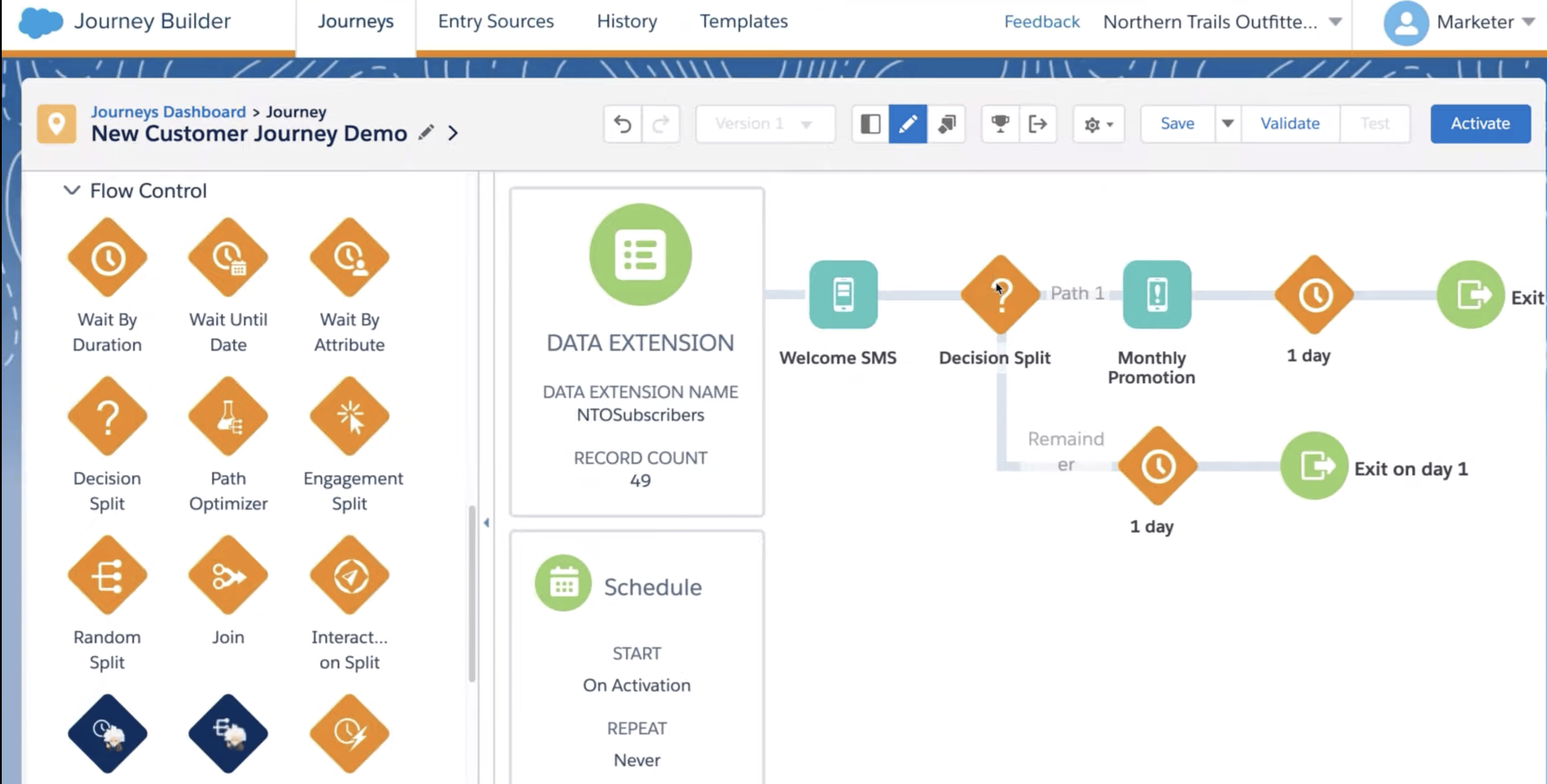
- Visually map out campaign automation, bringing multiple channels into one view.
- Targeted online advertising: find lookalike audiences that behave like your current high-value customers.
- Website ‘listening’ to dynamically tailor webpages to prospect interests.
- Powerful segmentation, with access to potentially many attributes from your CRM and other sources.
- Data management/ETL activities, eg. import file, file transfer, data extract, SQL query, filter, and script. Then use these to create multi-step automated workflows.
How To
Send Dynamic email based on Different Languages
An easy solution is to use "Data Extension" and Ampscript to dynamicaly fetch the content based on the "Target" language and generate the email dynamicaly instead of keeping 1 template/language.
Synchronize Campaign & Campaign members
Campaign & Campagin members are synchronize automatically using the Marketing Connector.
Map Marketing Cloud to your Sandboxes
Maketing cloud doesn't provide sandboxes, so it's recommended to have BU for each sandbox that need to have an instance of marketing cloud : - Staging connected to BU (QA) - UA connected to BU (UA) - Prod connected to Production BU of marketing cloud
Products/Features of marketing cloud
Social Studio
END OF LIFE in November 2024
Social Studio is a one-stop solution to manage, schedule, create, and monitor posts. You can organize posts by brand, region, or multiple teams and individuals in a unified interface. Social Studio offers powerful real-time publishing and engagement.
Social Studio offers powerful real-time publishing and engagement platform for content marketers, plus the comprehensive content performance by social network and time frame. A single interface offers a fully customizable team-based collaboration platform that analyzes channel and content performance. Analyze current trends and recommend new content ideas.
Alternative for specific business cases:
Send Email
To send email, you can consider a simple alternative such as Mail Chimp (App Exchange available)
Send SMS
To send SMS, I would suggest to use SMS Magic. It Can be used for SMS, Facebook Messenger, and WhatsApp. (App Exchange available)