Salesforce Knowledge
Give website visitors, customers, partners, and service agents the ultimate support tool. Create a knowledge base of articles that can be securely shared.
Availability
Salesforce Knowledge is available in the Essentials and the Unlimited Edition with Service Cloud (No Cost).
Salesforce Knowledge is available otherwise as an add-on for an extra cost.
User Licenses
To do more than read articles, agents need the Knowledge User license.
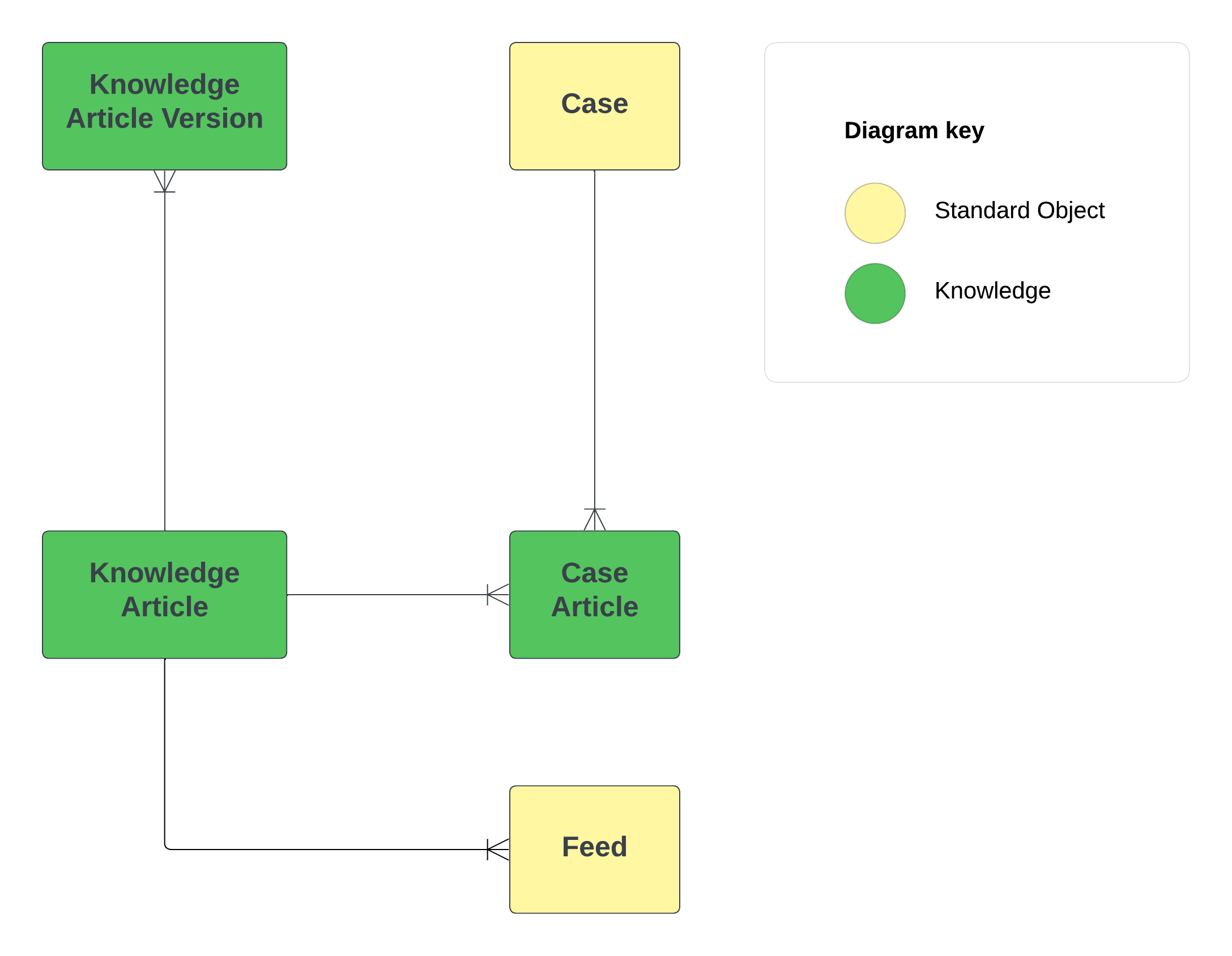
Data Model
Be aware that it's not possible to create custom lookups linked to Articles.
Approval Processes
Similar to other Salesforce objects, you can establish an approval process for articles, which is particularly useful for content control, especially in a public knowledge base where you need to review customer-facing articles.
The approval processes for knowledge articles function similarly to general approval processes, but they include unique actions known as Knowledge Actions. For instance, the Publish as New action releases the article as a new version.
Channels
After you've published your articles, you can distribute them through various channels, which serve as specific target audiences for your content. These channels include:
- Internal Users
- Partners
- Customers
- Guest Users (Public)
Visibility & Sharing Control
You can either use Data Category or Standard sharing to control the sharing model of Knowledge Articles.
Be aware that it's not possible to share Articles with "Manual Sharing" or "Apex Sharing".
Data Categories
Data categories are used in Salesforce to organize and control access to groups of information. They are used in Salesforce Knowledge, Ideas, Answers, and Chatter Answers.
Data category visibility can be set with roles, permission sets, permission set groups, or profiles. Data category visibility determines the individual data categories, categorized articles, and categorized questions that you can see.
The default maximum number of data categories is 100. [Contact Support to increase]
Topics
You can use topics to categorize and search for articles in your knowledge base. Topics are like keywords and help organize information. You can assign multiple topics to an article, but avoid overdoing it to prevent irrelevant search results.
Unlike Data Categories, topics don't affect article access or have a hierarchy. They mainly serve for organizing knowledge within a community knowledge base.
To assign topics to articles, go to Content Management > Topics in Salesforce community workspaces. You can also automate topic assignment based on specific data categories for more efficient tagging of new articles.
Tips
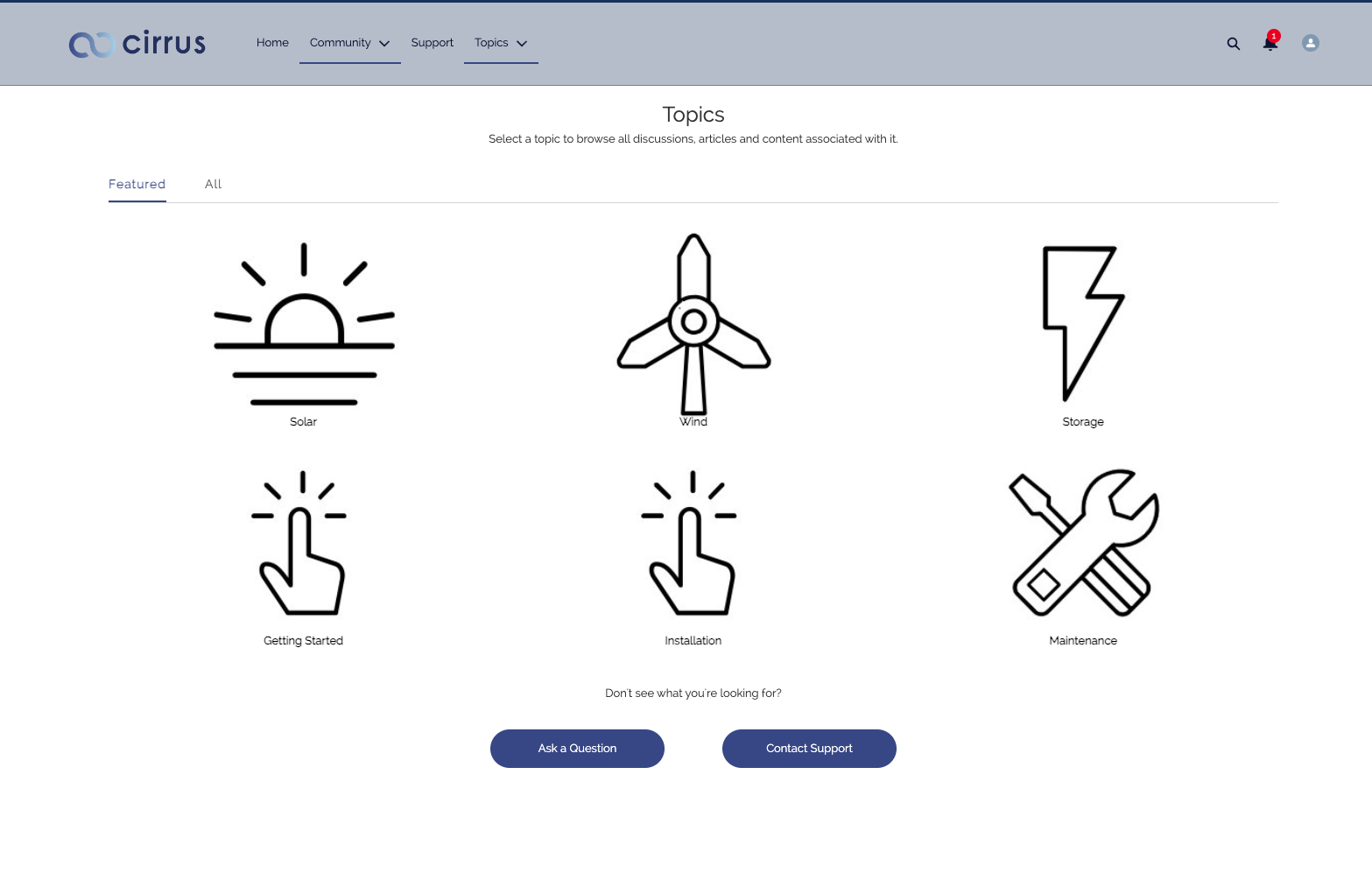
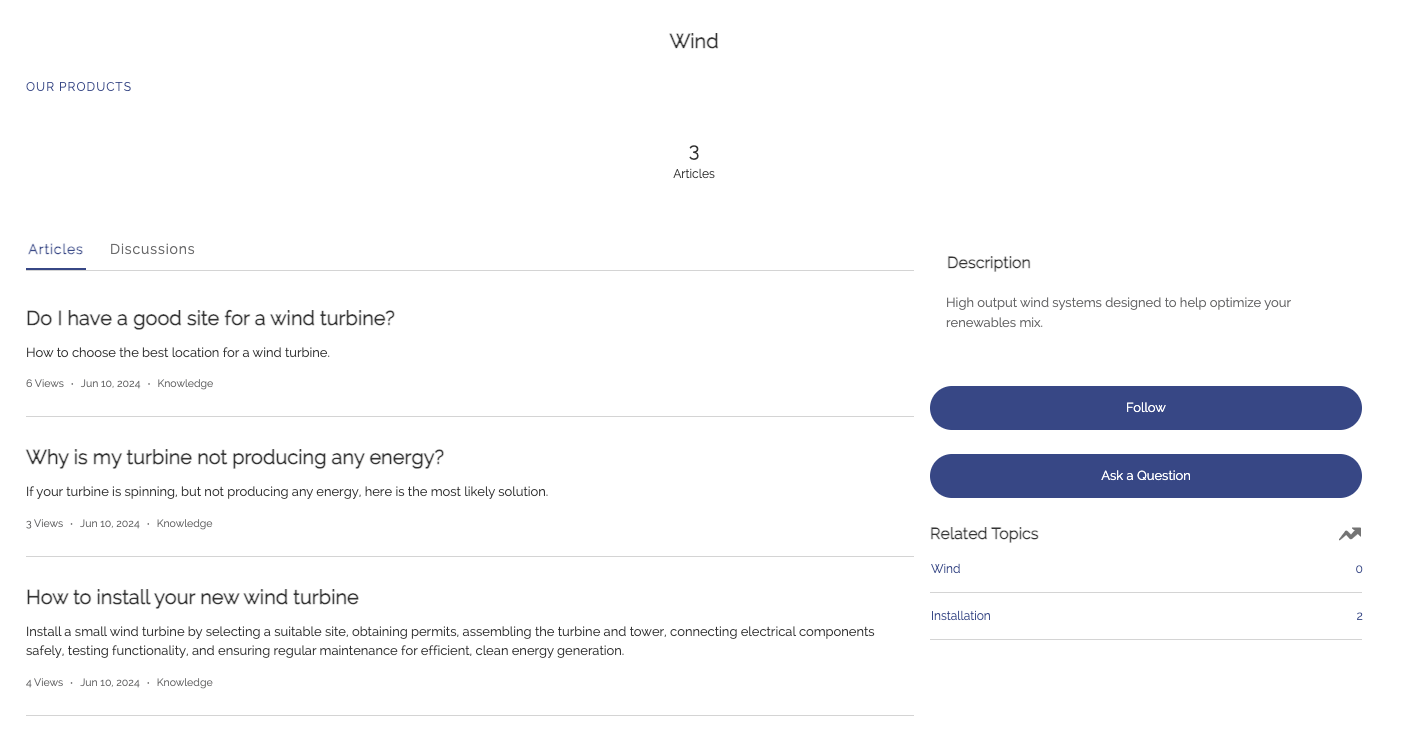
To make Articles visibles in Experience cloud, it's recommended to assign topics to articles and use any of the OOTB LWC component in page builder to show the articles based on the topics. You can also dispay directly article using the "Article Detail" page.
Experience Cloud - List of topics
Experience Cloud - Articles related to a specific topic
Article Migration to Salesforce
Use Bulk API to migrate Article from External Systems into Salesforce.